Mastering Image Retouching: A Comprehensive Workflow for E-commerce
1. Workflow Overview
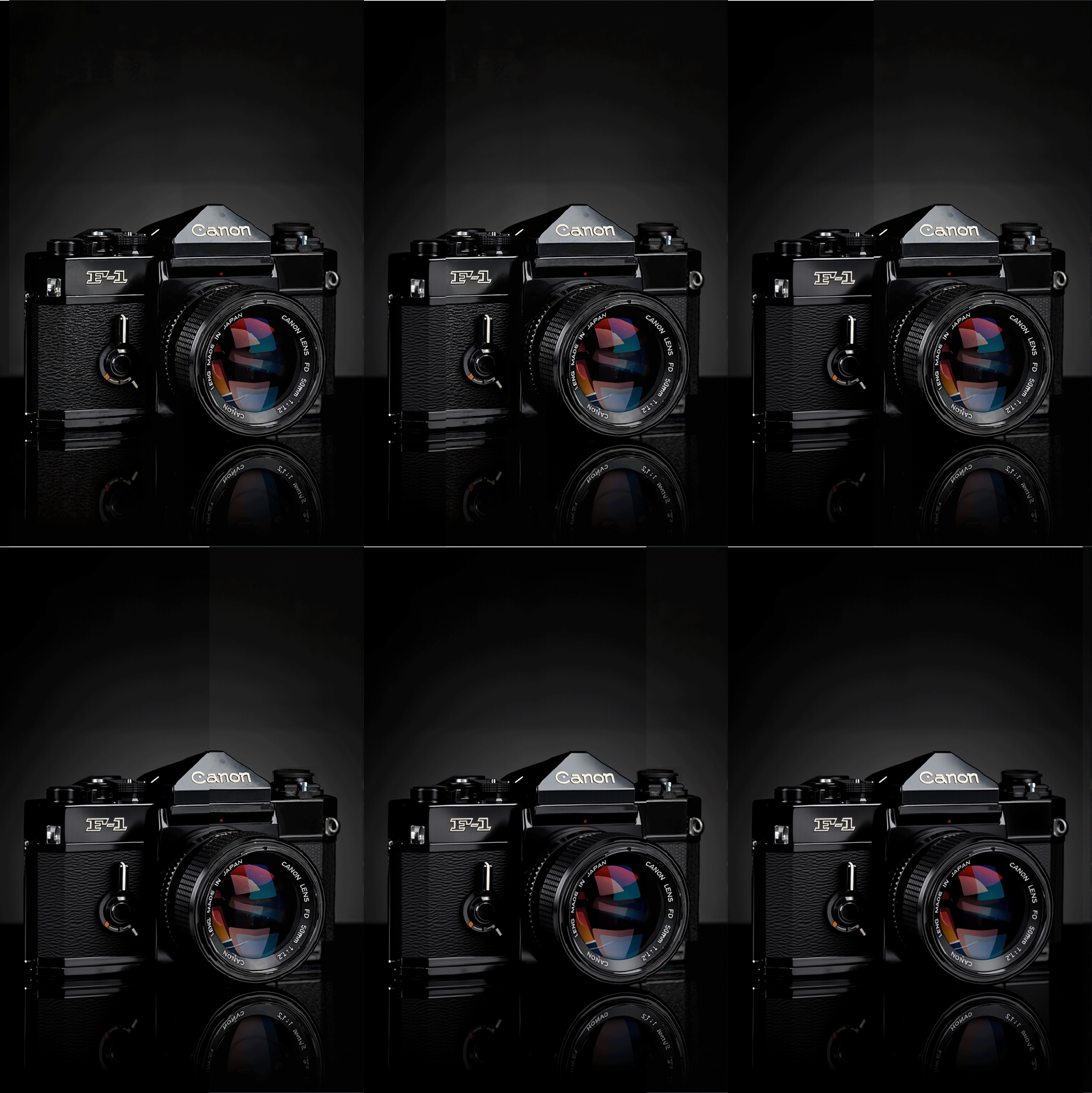
Purpose: Automatically retouch product images with HD upscaling, detail enhancement, and color correction.
Core Models:
Base Model:
基础算法_F.1(General-purpose, FP8 optimized).LoRA:
HyperL-F.1-加速器-PAseer_AcceleratorV3.1(Speeds up sampling and enhances details).VAE:
ae.sft(Improves color decoding).CLIP:
t5xxl_fp8_e4m3fn(Multimodal text encoder).
2. Key Nodes
Node | Function | Installation |
|---|---|---|
| Flux-based ODE sampler for stable generation. | Requires |
| Sharpening algorithm for edges/textures. | Install via |
| Dynamic noise scheduling (params: | Part of |
| Resizes images (default | Bundled with |
Dependencies:
LoRA Model: Download
HyperL-F.1-加速器→ save tomodels/loras.Input Image: Replace
1.pngpath inLoadImagenode.
3. Workflow Groups
Group | Function | Inputs/Outputs |
|---|---|---|
Inverse Sampling | Encodes input image to latent space for initial denoising. | Input: Product image → Output: Latent. |
Resampling | Enhances details via LoRA and Flux sampler. | Input: Latent → Output: HD image. |
Post-Processing | Sharpening ( | Input: Generated image → Final output. |
4. Inputs & Outputs
Input Parameters:
Image: Customize path in
LoadImagenode.Resolution: Default
1536px(adjust inImageResize+).Steps: Fixed
8(speed-quality balance).
Output:
HD product image (sharpened), previewed via
PreviewImageandImage Comparer.
5. Tips & Warnings
VRAM: ≥8GB GPU recommended for
1536px.Common Errors:
Invalid image path → Check
LoadImagenode.LoRA not working → Verify model name/strength (default
1.0).
Optimizations:
Reduce
Image Lucy Sharpenvalues (e.g.,3→2) if oversharpened.Tweak
FluxReverseODESamplerdenoise (0.9) for detail control.